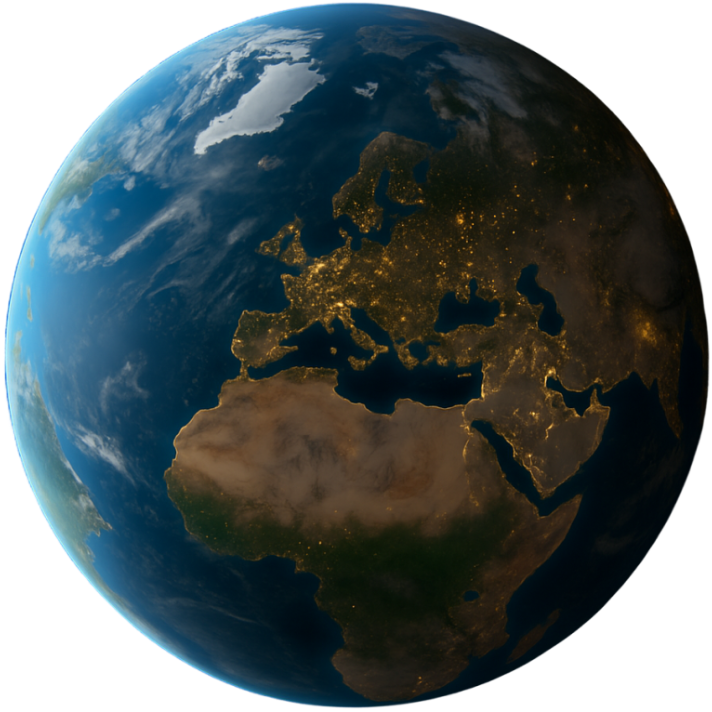
Dayside: Friends' time zones on a real, living globe, right in your menu bar.
Everyone at a glance
Each contact rises from their city as a beam of light, labelled with their name and local time, while sunlight sweeps across the planet in real time.
Their day in one click
Local time, how far ahead or behind you they are, whether it's a good moment to reach them, sunrise and sunset, and when your working hours overlap.
Plan a call in seconds
Scrub the time ruler and watch night roll across the globe while every clock updates with it. Tap Now to jump back.
Out of your way
Lives in the menu bar and grows out of the notch when you click it. Esc or a click elsewhere tucks it away. Optionally opens at login.
Questions
Where are my contacts stored?
Only on your Mac. Dayside has no accounts and no server, so there is nothing to sync and nothing that can leak.
Why does it ask for my location?
To put you on the globe. It's read once, on your Mac, and never sent anywhere. If you'd rather not share it, say no and pick your city yourself.
Which Macs does it run on?
Any Mac running macOS 26 or later.
Does it need the internet?
Mostly not. The globe, the sunlight and your contacts all work offline. Sharper satellite imagery when you zoom in, and searching for some cities, need a connection.
Is there a Windows or iPhone version?
Not yet. If you'd use one, send me a line. Every email counts toward deciding what comes next.
How do I get a refund?
Purchases go through Apple, so refunds do too. Request one at reportaproblem.apple.com.
Something not working, or have an idea?
Email me at bogstedsgn@gmail.com. Tell me your macOS version and what happened, and I'll get back to you. Dayside is made by one person, so every message gets read.